
Avenier / Field notesNº 002
Field note 002 / Website strategy
What a Website RedesignShould Solve BeforeDesign Begins
A new visual design cannot solve an unclear purpose.

A new visual design cannot solve an unclear purpose. If the underlying strategic problems remain unresolved, a fresh coat of paint will only make your website look better without actually making it work better.
When organizations begin discussing a website redesign, the conversation almost always starts with appearance. The site feels dated, the colors no longer reflect who you are, the pages look cramped, or a competitor’s site feels more modern. Leadership wants something more polished, dynamic, and impressive.
While these concerns are entirely valid, they rarely reveal the full story. An outdated appearance is usually just the most visible symptom of deeper structural issues: unclear messaging, confusing navigation, buried information, disconnected internal workflows, or a site that has drifted away from your core organizational goals.
Before choosing colors, layouts, imagery, or animations, you need to determine what the website actually needs to accomplish—for the people using it and for the team responsible for maintaining it.
“Our Website Looks Outdated” Is Only a Symptom
Visual design matters. People form snap judgments instantly, and a dated or clunky website can erode confidence before a visitor even reads your first paragraph. But appearance alone doesn’t explain why a site is underperforming.
A site may look old simply because it hasn’t been touched in years, but more often, it feels outdated because its structure reflects an older version of your organization. Your services have evolved, your audience has expanded, and information has piled up haphazardly over time without a unifying system.
The result is a collection of isolated pages that no longer form a coherent experience. Slapping a brand-new visual skin onto that broken structure simply gives your confusion a trendier appearance.
The more useful question isn’t, “How should the new website look?” It’s, “What is preventing our current website from serving people well?”
“We need a new website.”
Purpose
What must it accomplish?
Audience
Who needs this?
Content
Is it useful?
Structure
Can people find things?
Experience
Can people accomplish things?
Technology
Does the system support the work?
Design
Identify the People the Website Must Serve
Every effective website begins with a clear-eyed understanding of its audiences.
Whether you’re serving prospective clients, donors, volunteers, municipal residents, or job applicants, each visitor arrives with a different level of familiarity and a distinct mission. A donor wants to evaluate your credibility and see the impact of their gift. A restaurant guest wants the menu, hours, and a reservation link. A resident needs to find a municipal form without digging through bureaucratic red tape.
Trying to speak to “everyone” without distinguishing among these needs inevitably produces generic messaging and overloaded, frustrating navigation.
Before redesigning a single page, identify your most important audiences, what motivates them to visit, and what each group needs to accomplish. This doesn’t mean building a custom labyrinth for every single visitor type; it means making deliberate, strategic choices about whose needs the website must prioritize first.
Define the Questions Visitors Need Answered
People rarely visit an organizational website just to admire the aesthetic. They arrive with pressing questions:
- What does this organization actually do?
- Is it right for me?
- Can I trust them?
- How do I get started?
- Where is the exact service I’m looking for?
A successful website answers these questions clearly, without requiring visitors to decode your internal org chart or department names.
Yet this is where most websites fail. Their navigation and content mirror internal job titles or departmental silos rather than the way human beings actually think. The information technically exists, but it’s buried under unfamiliar jargon or scattered across multiple dead-end pages.
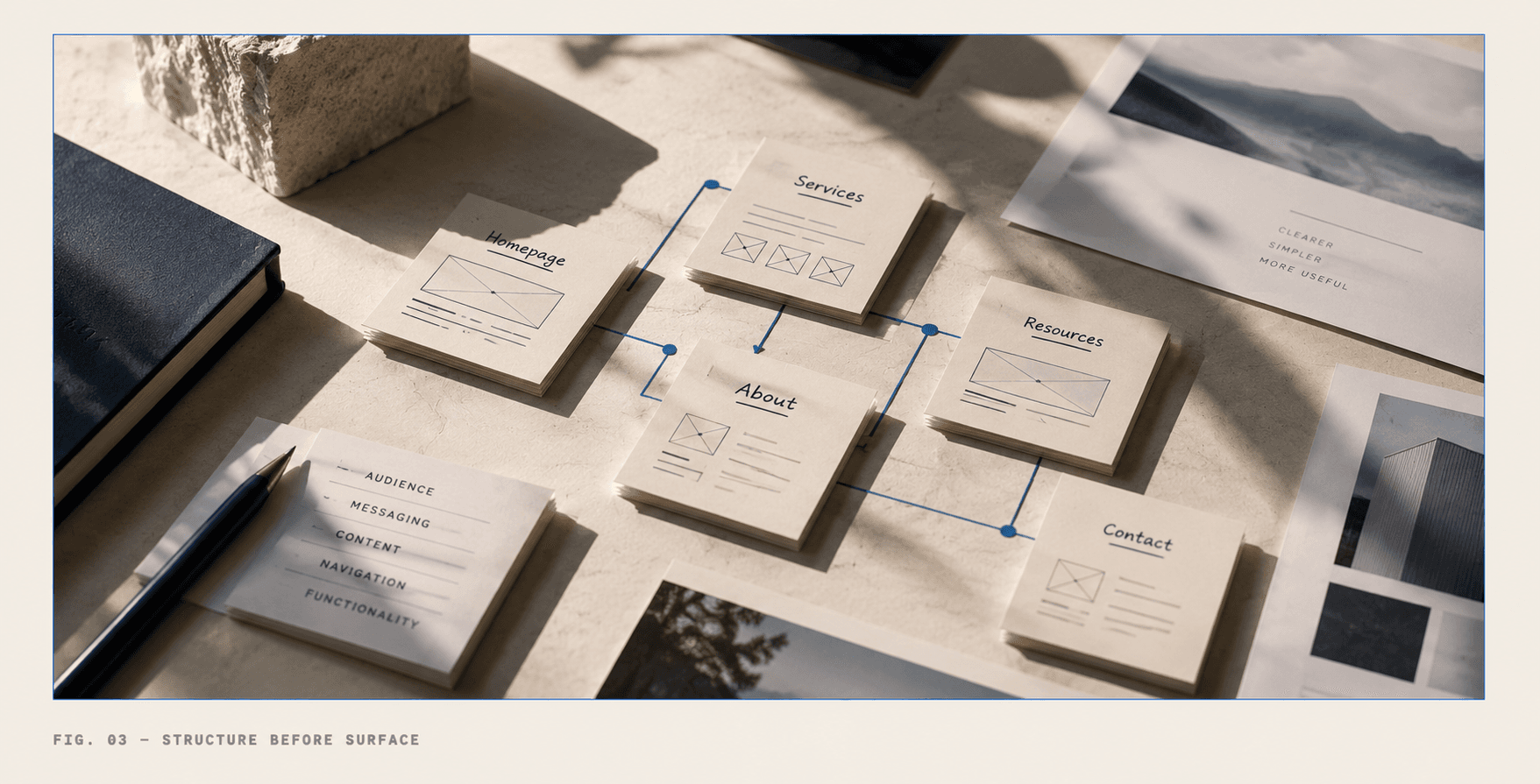
Before wireframing begins, map out the essential questions for each key audience. Let those questions drive your content hierarchy, your navigation paths, and your calls to action.
Find Where the Current Experience Breaks Down
A redesign is your best opportunity to examine where your existing website creates friction.
On the visitor side, look for hard-to-find content, vague navigation labels, conflicting details across pages, or dead-end forms. On the backend, look at what your team has to endure: Who actually owns this page? Why do content updates require an informal chain of emails? Is the content management system so clunky that people avoid using it?
A strong redesign process examines both sides of the coin: what your visitors encounter, and what your organization needs to keep that information accurate, useful, and sustainable over the long haul.
Connect the Website to Organizational Goals
A website can—and should—support far more than basic marketing.
For a nonprofit, it can build donor confidence by cleanly connecting mission to impact. For a service business, it can streamline client intake so prospective buyers understand their options before ever reaching out. For a municipality, it can drastically reduce the volume of routine phone calls by putting public information within easy reach.
Vague goals like “We need a better website” are useless for guiding decisions. Precise goals are actionable:
- “Qualified prospective clients need to understand our services and request a consultation in under three clicks.”
- “Residents need to find essential forms without knowing which department manages them.”
Clear goals help you determine what to emphasize, what to cut, and which features are actually justified versus being expensive distractions.
Decide How Success Will Be Evaluated
A redesign needs a clear definition of success before it ever launches.
Success doesn’t always mean driving raw traffic numbers up. In many cases, success means the right visitors find information faster, complete higher-quality inquiries, submit fewer broken forms, or require less hand-holding from your staff.
Establish observable outcomes to track after launch:
- More qualified inquiries and completed applications
- Improved completion rates for important tasks and forms
- A noticeable drop in phone calls asking for basic information already published online
- Faster, more consistent content updates by internal teams
Linking the redesign to real-world outcomes ensures your launch day isn’t treated as the finish line, but as the beginning of a healthy, maintainable system.
A practical field note
The Foundation: Seven Questions Before Visual Design Begins
You don’t need every single piece of copy written or every technical constraint solved before visual design starts, but you do need strict strategic clarity.
Before moving into visual concepts, ensure you can answer these seven fundamental questions:
- Who must the website serve?
- What brought each audience to the site?
- What should they understand before leaving?
- What action should become noticeably easier?
- What information on the current site is difficult to find?
- Who inside the organization actually owns and updates the content?
- How will the website support the organization long-term after launch?
The answers to these questions establish the foundation for everything that follows. They clarify your page architecture, dictate your navigation logic, and reveal where technology can eliminate friction.
Only once those pillars are firmly in place should visual design begin giving your strategy a recognizable form. The strongest websites aren’t just pretty collections of pages; they are working parts of an organization designed to help people understand, decide, connect, and act.
The next question
Thinking abouta redesign?
Don’t start withwhat it should look like.
Start with whatit needs to accomplish.
Avenier helps organizations understand what their website needs to do before deciding what it needs to become.